
Creating Your Book Using the Most Popular eBook Formats
You’ve worked in the trenches. You’re seasoned in your subject matter. You’ve tested educational theories and discovered new ones, and now you’re ready to share your experiences and knowledge with others. Yes. You’re ready to write your own book.
It doesn’t have to be a tome. It could be a collection of your blog posts on your first year of teaching, or a report on innovative ways to tackle common core. It could be the clever or amusing things your kindergarteners or high schoolers say, or ideas on how to implement social media in your lessons.
With topic and material in hand, the next decision is what format to use.
Fortunately, the publishing world has made it much easier –and less expensive—for even newbie authors to publish their works, but before you press the publish button, let’s look at some of the main tools available that will help you create the kind of book you need.
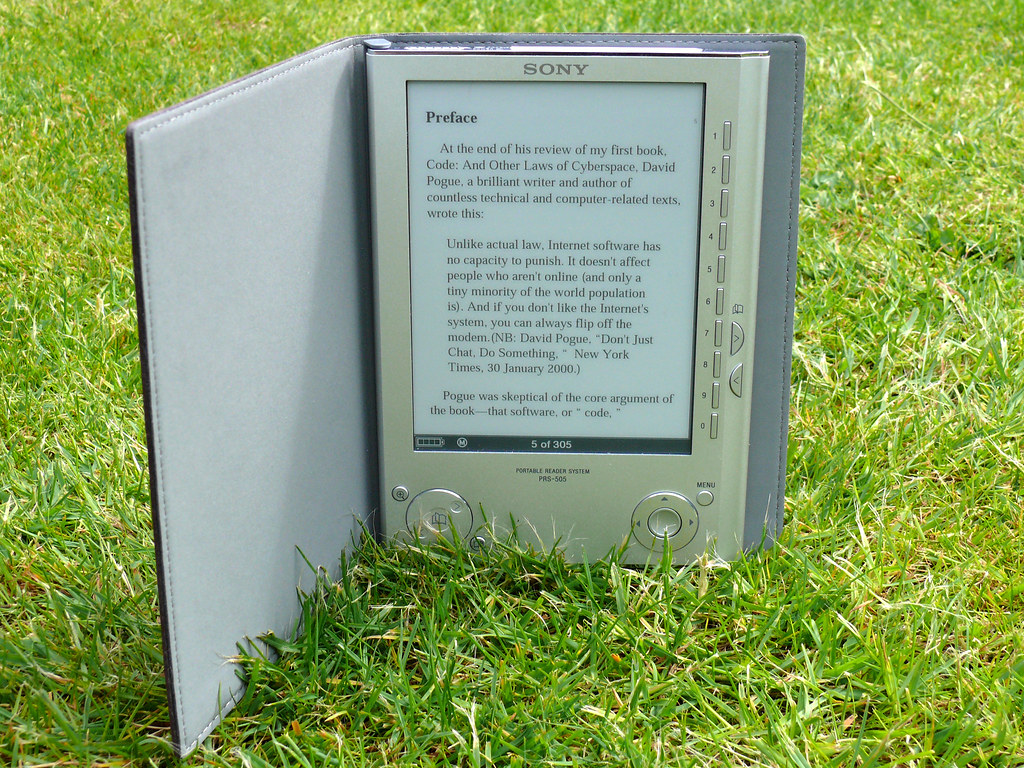
Image from Flickr via David Jones
eBook, Print, or Audio?
Although many new authors assume their books will be digital or electronic in format, it’s worth considering whether a print product might suit your needs. Surprisingly, print publishing is on the rebound, with Publishers Weekly noting that 2014 books sales were the best they’d been since eBooks first exploded on the scene in 2010. If providing a tactile experience is important, or if your audience has limited access to digital readers, publishing a paper book may be your best option.
Audio is another possibility, particularly if you want to create a book for young children who cannot yet read, for people who cannot read or cannot see, or for people who want to listen to while they take care of other tasks.
Still, digital books provide an ease of publishing, distribution and updating other formats can’t match—which is why, of course, that this method is so popular.
If you plan to create a digital book, you have several popular ways to format your product.
PDF, ePub or AZW—Oh My!
A quick Internet search can garner nearly twenty book publishing formats, but three stand out for their ease of use, longevity, ability to convert the book layout on a variety of devices, and/or ability to be used in a format that is widely distributed.
PDF—For 20 years, the portable document format has been used to present and exchange documents. Created by Adobe, PDFs are known for their ease of use. It’s simple to convert a word document into an eBook format, and save it as a PDF. However, experts caution that the fixed layout of the PDF doesn’t always translate to different devices. And, they say, readability on small screens can be difficult.
ePub—This electronic publication is the most widely supported vendor, and can be used on a variety of devices including iPad, iPhone, Nook, Sony Reader and Android phone, but not on Kindle.
AZW—Used by Amazon for its Kindle books, AZW incorporates many advantages of a previous format called MOBI. Like MOBI, AZW can include complex content, including highlights, bookmarks and a dictionary. It fits a variety of screen sizes, but is limited to use in Kindle books. However, with Kindle apps for multiple devices, readers don’t have to have a Kindle device to have access.
Alternatives to “Traditional” eBook Publishing Formats—with Apps
There are still more ways to create the book of your dreams. Consider creating a digital book through Apple’s iBooks Author, which allows you to use a template and add shapes, charts, photos, widgets, tables and text.
You and your class can also make books using top reviewed apps for iPad like:
Scribble My Story—designed for the authors ages 6-8, this free app lets kids draw, write and record their creations.
StoryBuddy 2—At $3.99, this app, made for 9-11 year olds, allows young writers to create multiple books by incorporating drawings and audio, and customize title, text, color and font.
Publish—Don’t Perish!
With the variety of simple, low cost avenues, there’s no need to wait to share the insights and wisdom from your teaching experience with others in the form of a book.
Editor’s note: This article is a revision and combination of several older Edudemic articles, updated and re-analyzed to reflect the latest innovations.

